Filoo
Parents breeze through school and activity forms
PROJECT SUMMARY
A time-saving AI app that quickly completes kids’ activity forms for parents.
TIMELINE
MY ROLE
As the sole designer, I owned the full process from research strategy to final prototype, including every prioritization decision.
TOOLS
Figma
Miro
Google Workspace
Notion
3 min read
See prototype
CONTEXT
Parents are managing more pediatric appointments and paperwork than ever — a post-COVID reality that hasn't let up. Meanwhile AI went from buzzword to actually useful.
Filoo lives at that intersection.
PROBLEM STATEMENT
OPPORTUNITY
77% of parents find form completion stressful, yet no product in the market combines AI auto-fill with pediatric health records in one place — representing a clear product gap.
GOAL
Help busy parents complete kids' activity and medical forms in minutes — without needing to remember, search, or re-enter the same information twice.
The Core Business Model Angle: Trust as Retention
The business model is simple: free to start, paid when it gets really useful. As parents log more records, the app becomes harder to leave — and AI auto-fill is the feature worth paying for.
SOLUTION
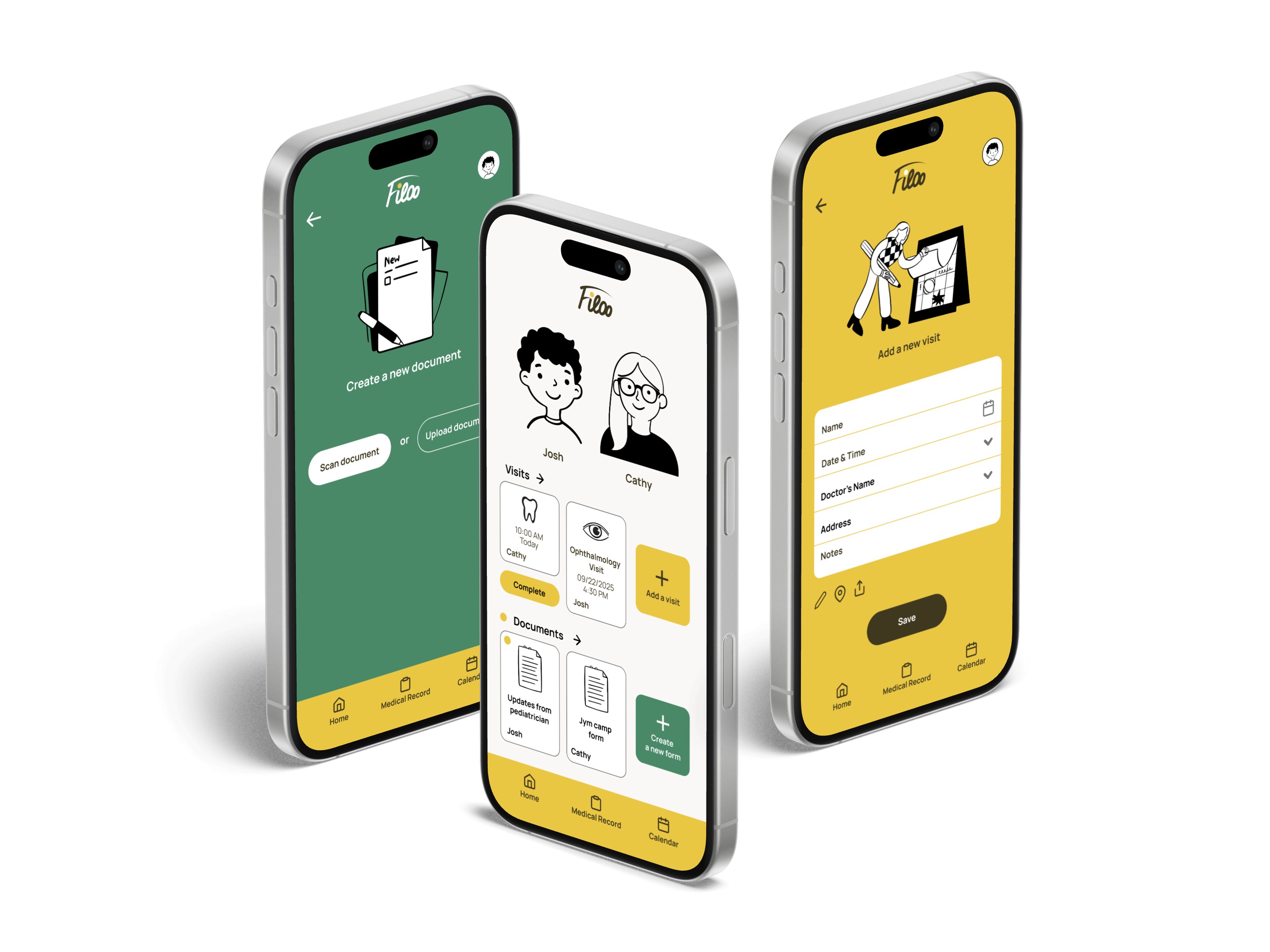
Filoo
Parents breeze through school and activity forms
1
AI helps quickly fill out the forms with a few clicks.
2
Manage all kids upcoming and past appointments at one place
3
See Medical Record of your kid at a glance.
PERSONA
Who are we designing for?

Stephanie, 35
Credit Analyst, mom of 2
" I always feel overwhelmed with forms and try to postpone or avoid it."
Our primary user isn't disorganized — she's over-capacity. Forms get postponed not from laziness but because the cognitive cost outweighs the immediate reward.

Grant, 42
HR Specialist, single dad of 1
"My daughter has specialists visits multiple times a week…”
Our secondary user faces a higher-stakes version of the same problem — not just inconvenience, but the pressure of being the sole person responsible for a medically complex child's care. For Grant, forgetting isn't frustrating. It's failing.
PAIN POINTS
Document filling
Every new form starts from scratch, even when nothing has changed.
Cognitive overload
Appointments, forms, and records live in different places — none of which talk to each other.
USER RESEARCH AND COMPETITIVE ANALYSIS
22 parents surveyed before a single screen was designed — to validate the problem, not assume it.
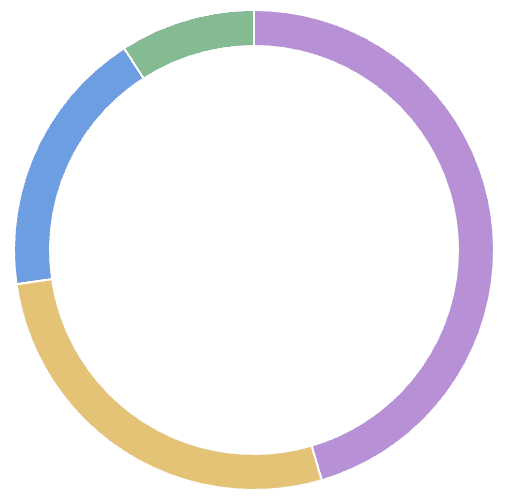
45.5% Very Busy
27.3% Not Busy or Somewhat Busy
18.2% Extremely Busy
9% Busy
72.8%
of parents are
extremely
busy
77.4%
of parents feel
How do parents feel about completing forms?
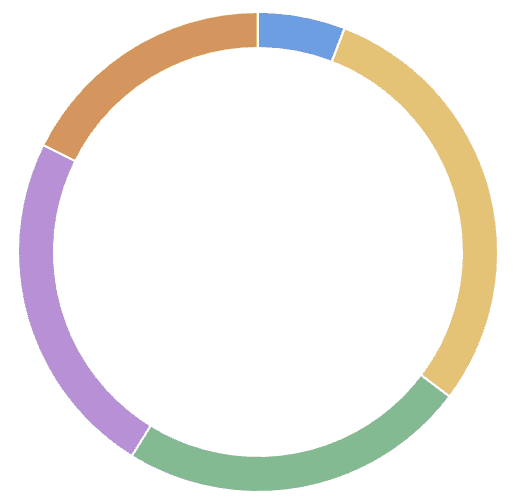
29.4% It feels repetitive and unnecessary
23.5% It's easy and straight-forward
23.5% It's manageable, but time-consuming
18.6% It's stressful and confusing
5.9% I need help to complete the form
Competitive analysis
Competitive analysis was conducted between direct and indirect competitors, such as Jotform, Healow Kids App, Healow, Huddle Health, Any.do, Apple Calendar.
A few critical gaps were found to exploit, which lead us to new opportunities:
from
GAP
to
OPPORTUNITY
Create frictionless onboarding (no walls to preview)
Simple way to get a filled form Scan → AI Filling → Review → Save
Warm, playful illustrations engaging parents and kids
Closer look at the competitive analysis here.

Wireframes, UI, Prototyping
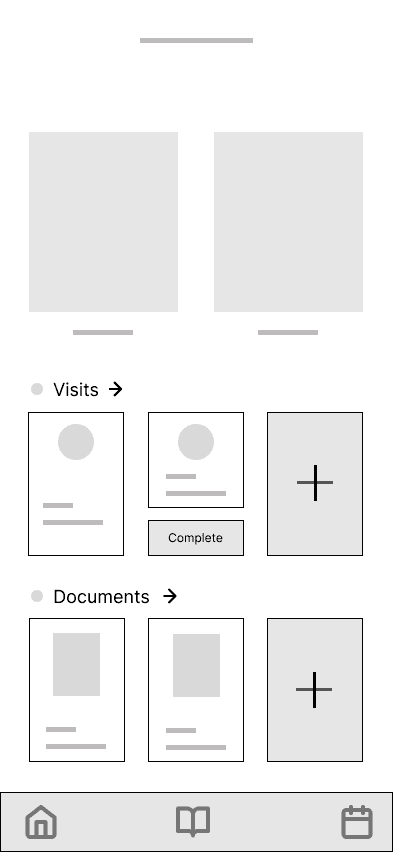
Why these features:
Allow to see all key parts of the app at glance (no scrolling or surfing throughout screens).
Easy access to Calendar.
Simple and easy to understand.
The calendar-led concept (Option B) was the furthest from the final design — it assumed scheduling was the primary job, when research showed form completion was the more urgent, avoided task.
Usability Testing
In a moderated usability study, participants appreciated the app’s overall idea and information architecture. The study also revealed several areas for improvement that will be addressed through redesign and implementation.
1
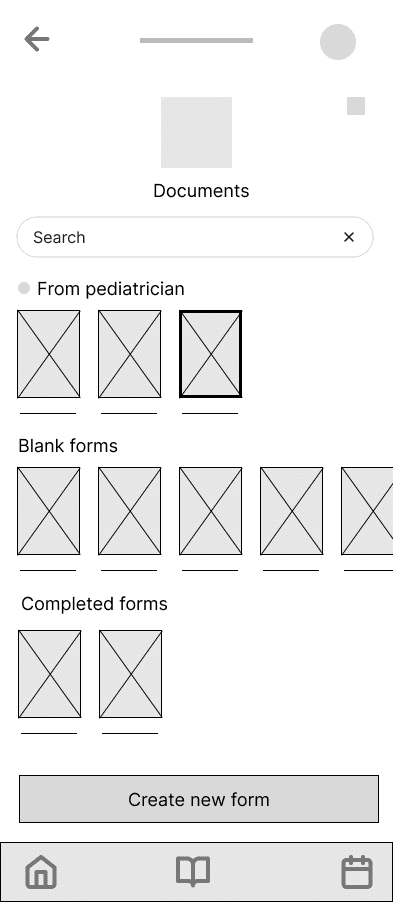
2
Insight 2
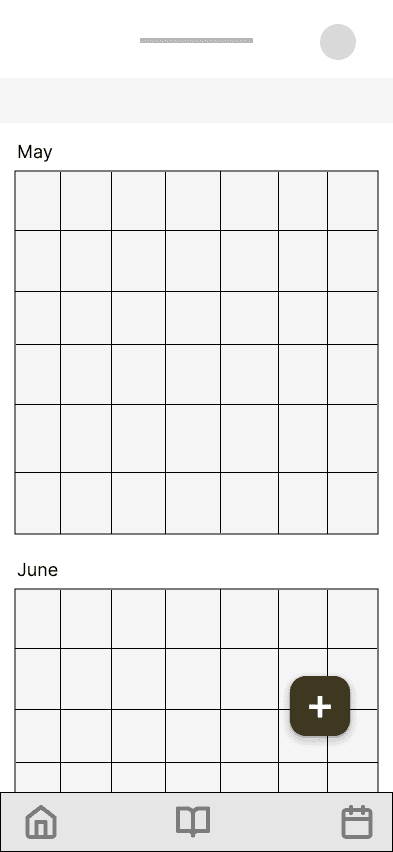
Participants were unable to add a visit from calendar screen.
Solution 2
Add an option "To create a Visit" in Calendar
3
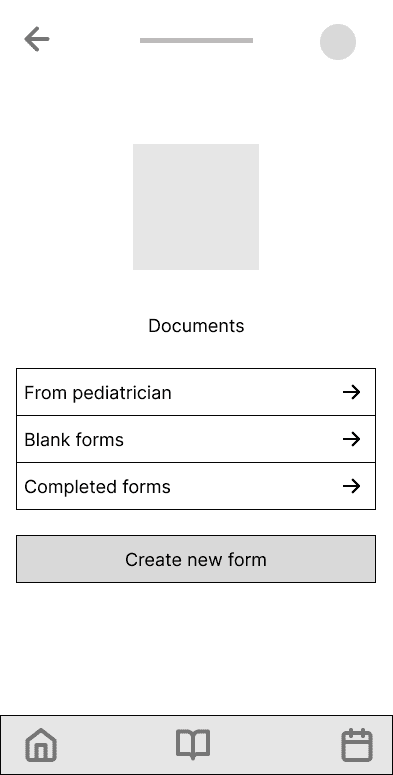
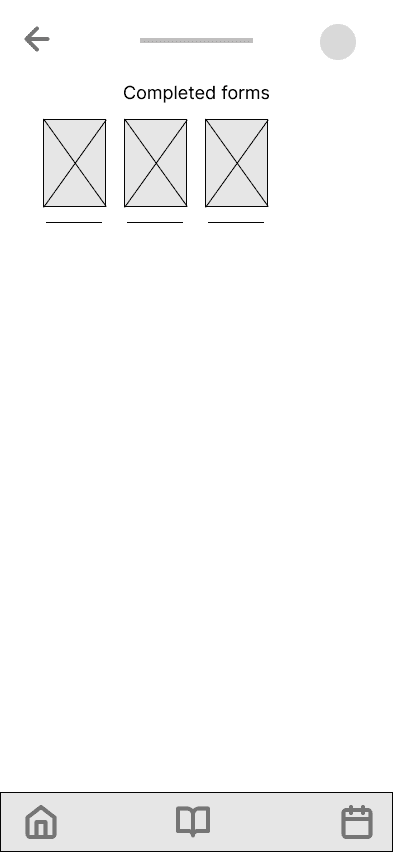
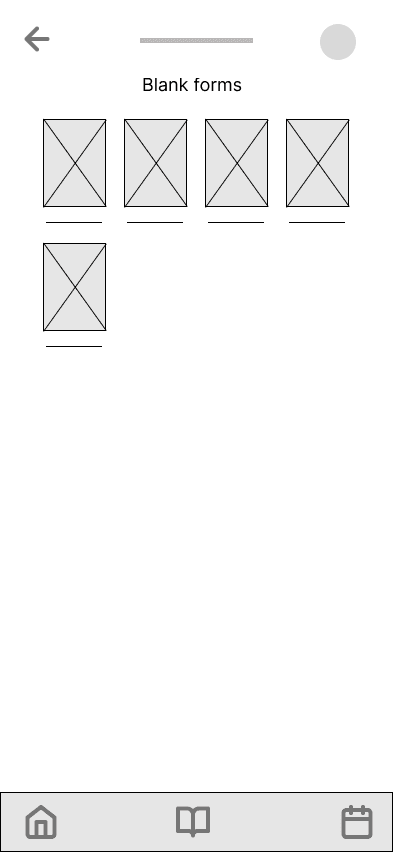
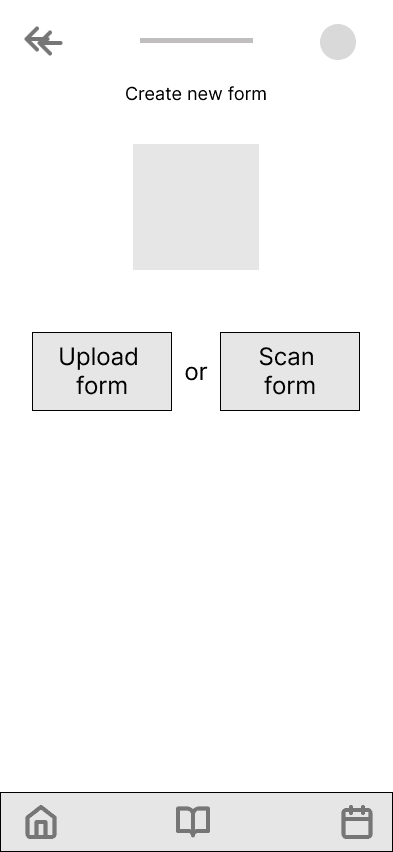
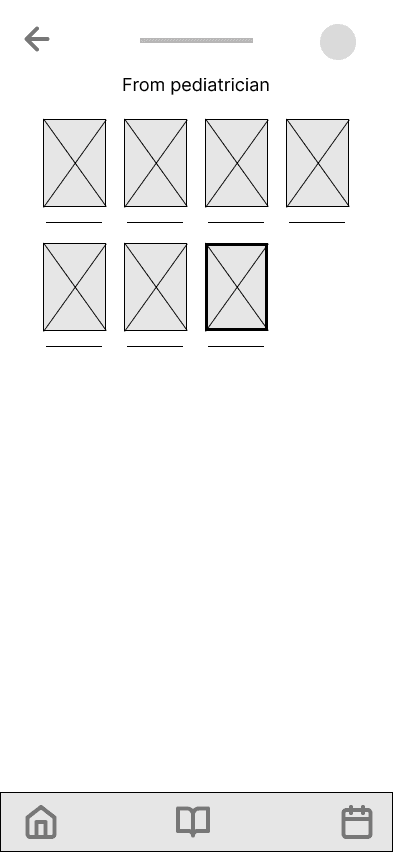
What I chose not to build.
3 insights from usability testing were noted, but intentionally deferred:
Notifications
A health reminder that fires at the wrong time is worse than no reminder. Without a real backend to test timing, building this felt irresponsible at prototype stage.
Prescription tab
Prescriptions involve dosage, refills, and drug interactions — complexity the prototype wasn't built to handle responsibly. A clear next step, not a current one.
Work calendar integration
Calendar integration would have pulled Filoo toward being a general scheduling app. That's not the product. I kept the focus on pediatric health specifically and left integration as a next step.
Bump on the road
Trust vs. Convenience.
A few of asked parents had a tension to trust an app with sensitive medical data before they'd experienced any value from it.
I resolved this by designing a review step into every AI-fill flow — parents see exactly what's being used before anything is saved. It added friction deliberately.
The alternative, full automation, would have been faster but felt like a black box with their child's health data.
USER INTERFACE
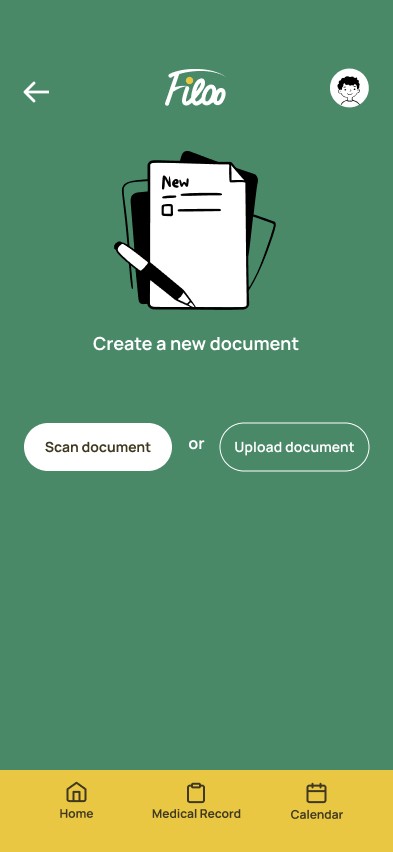
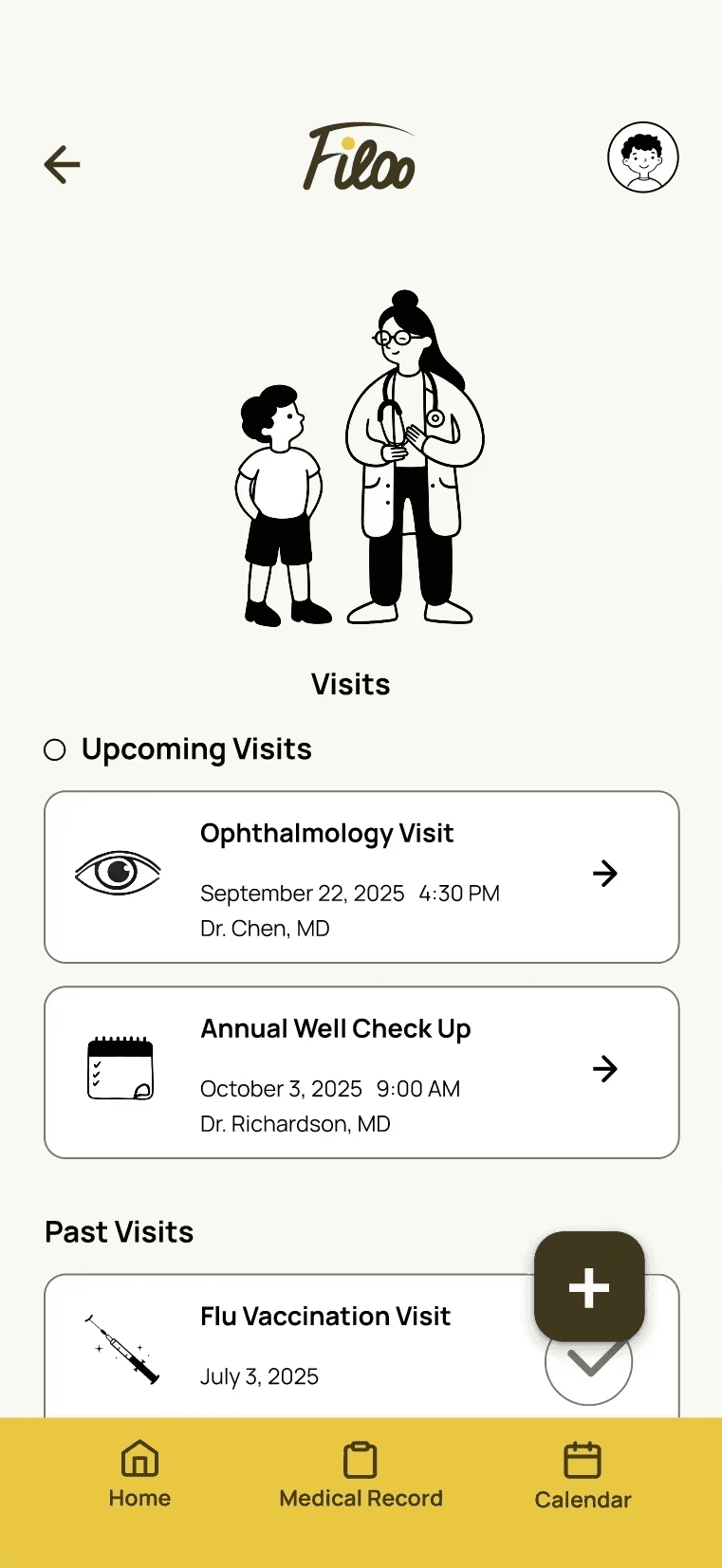
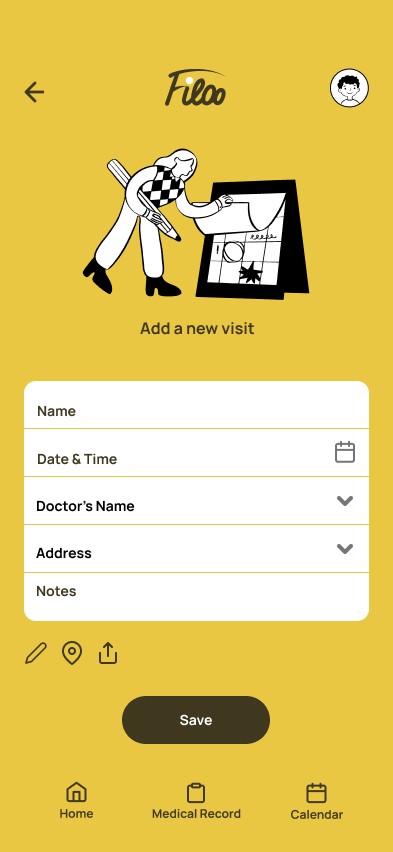
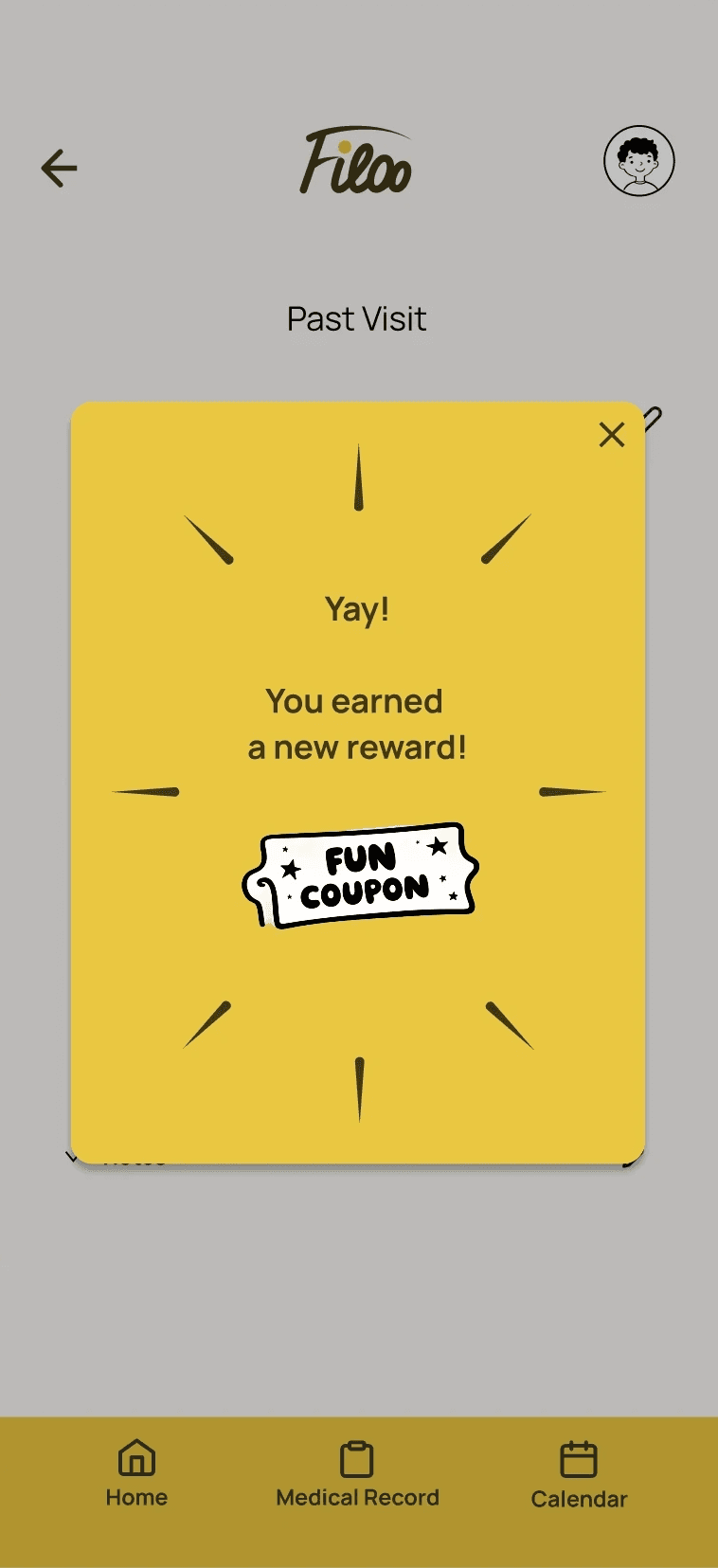
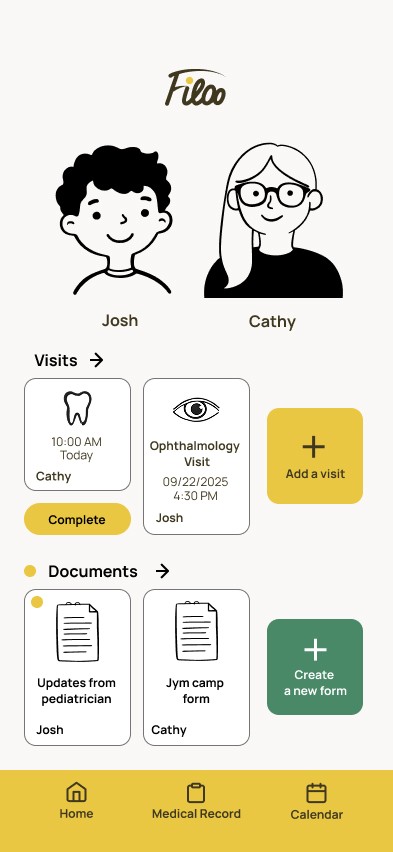
Why this particular design practice?
Importance to see all at a glance, not surfing throughout the app.
Design System
To ensure consistency across screens, I built a component library and token system in Figma.
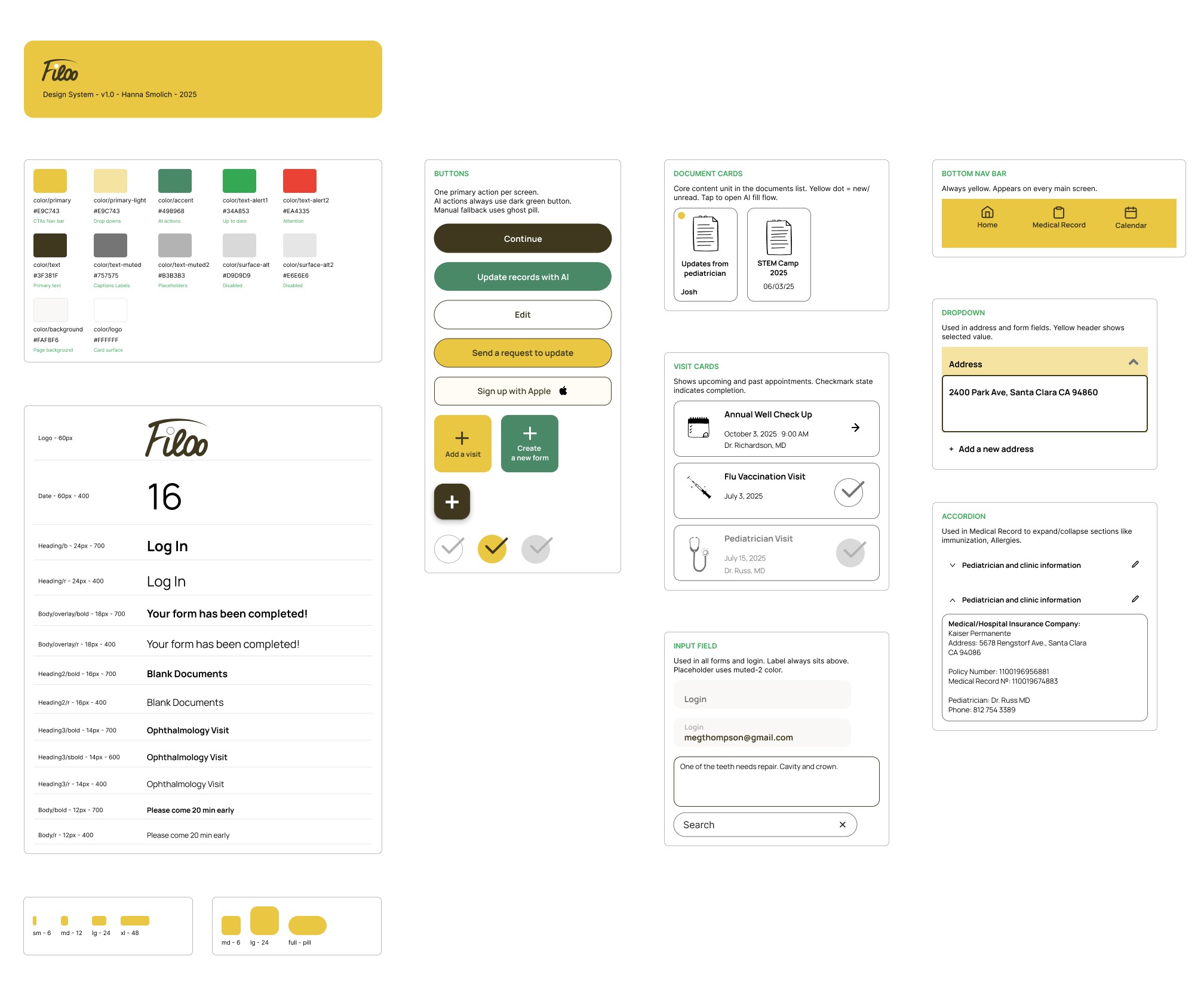
Closer look at the Figma file here.
FINISHED PRODUCT
Changes based on feedback
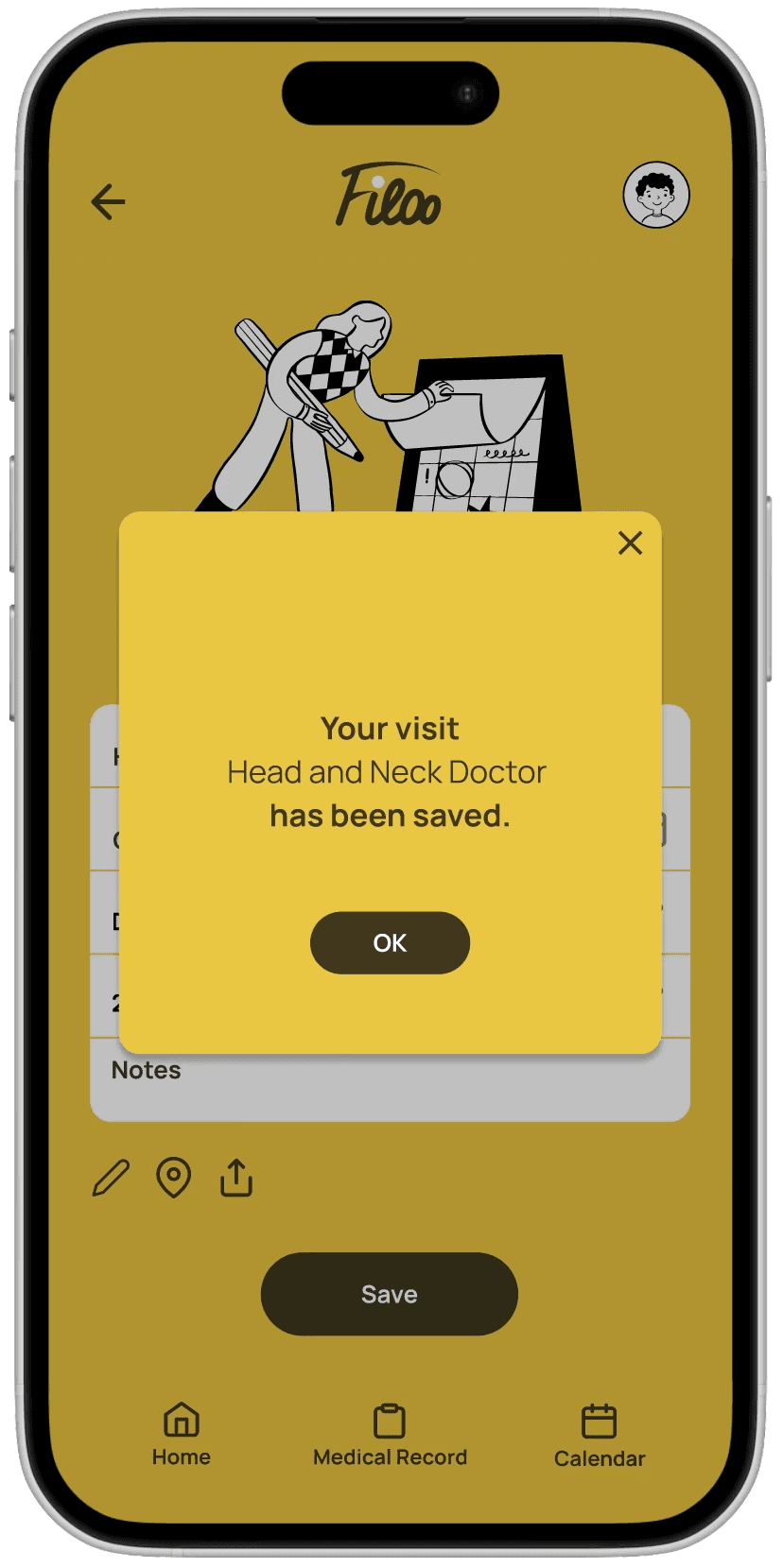
Ensuring that New Visit was saved
Added "OK" button at visit saving confirmation page.
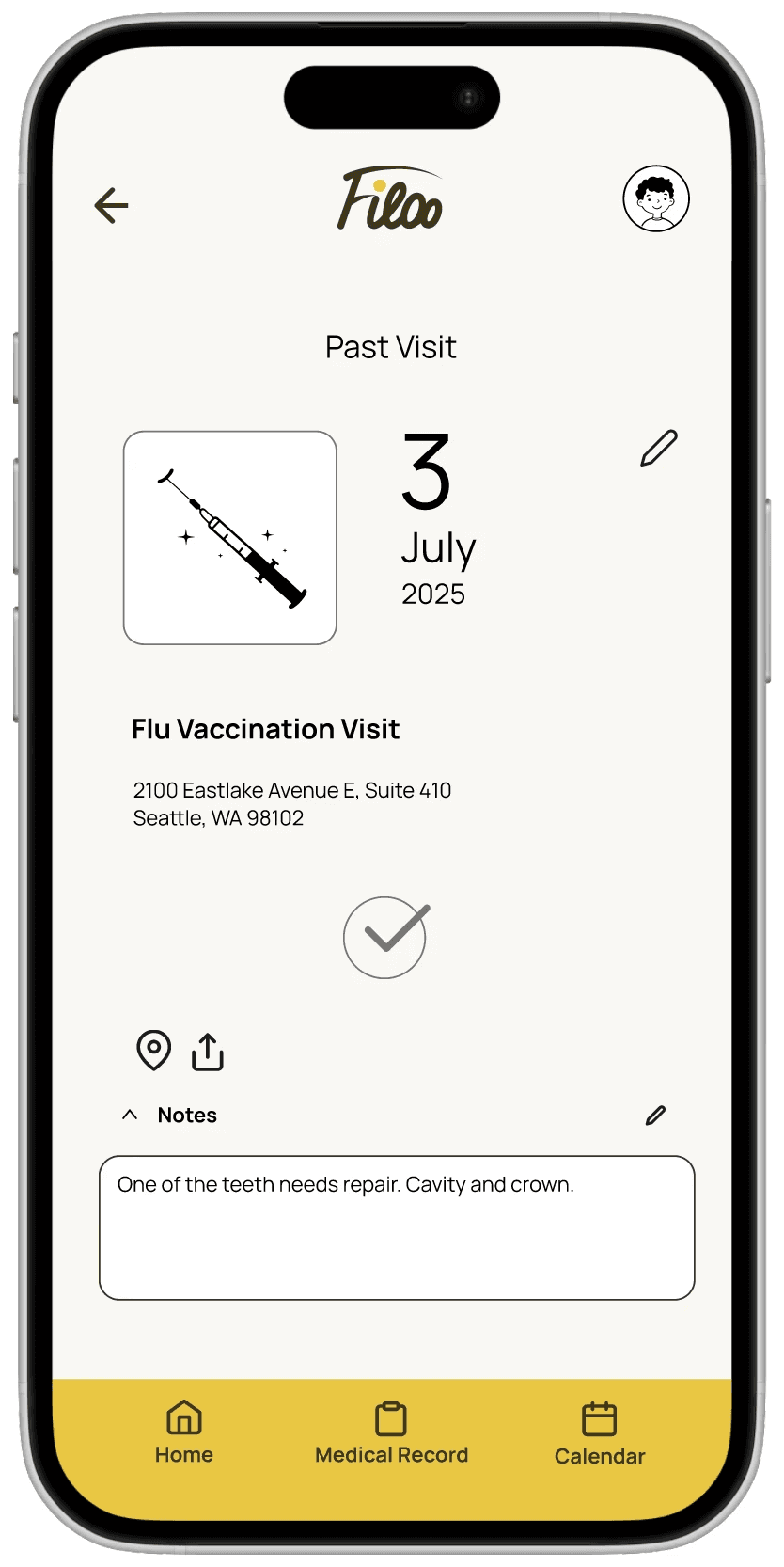
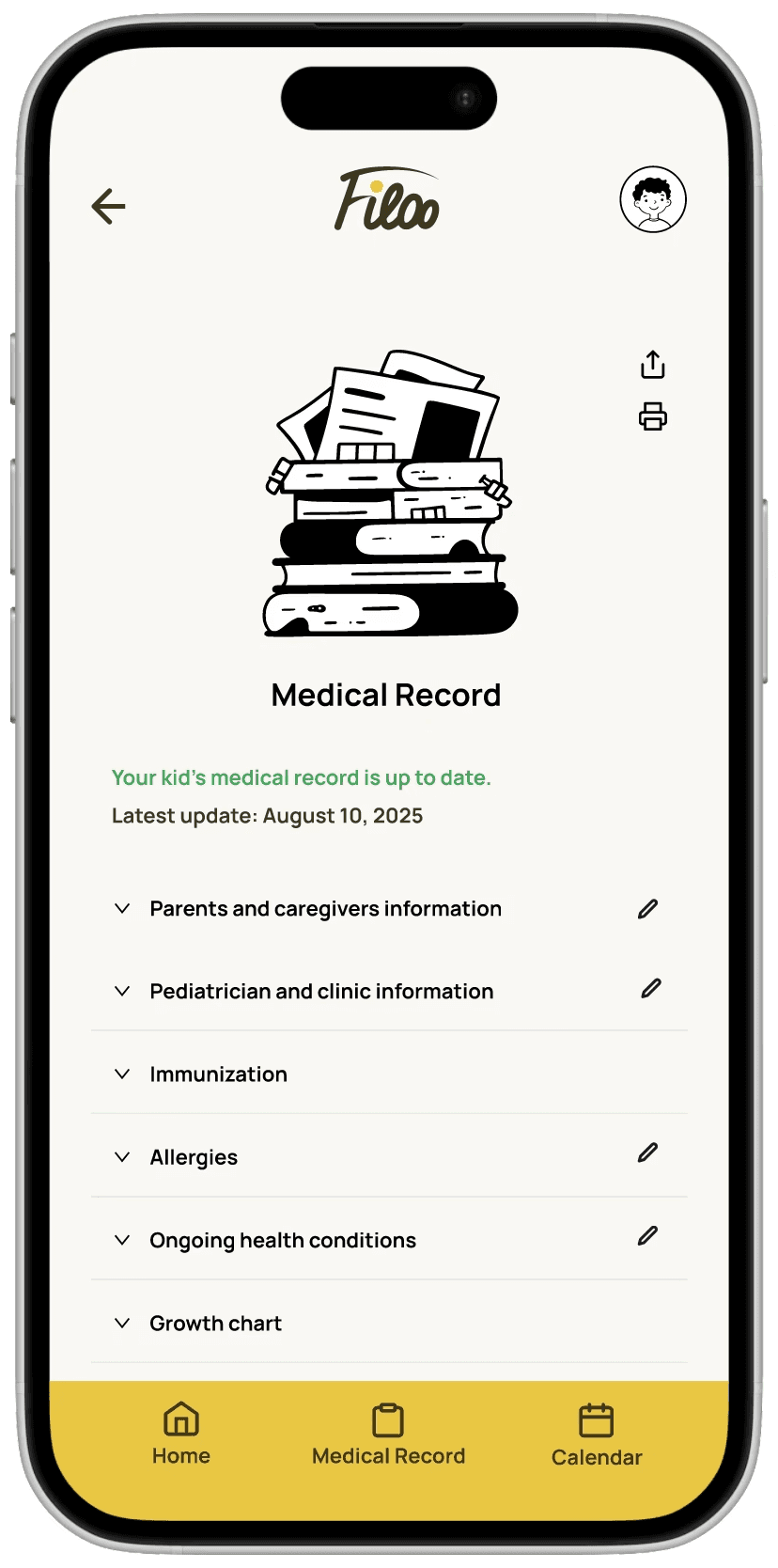
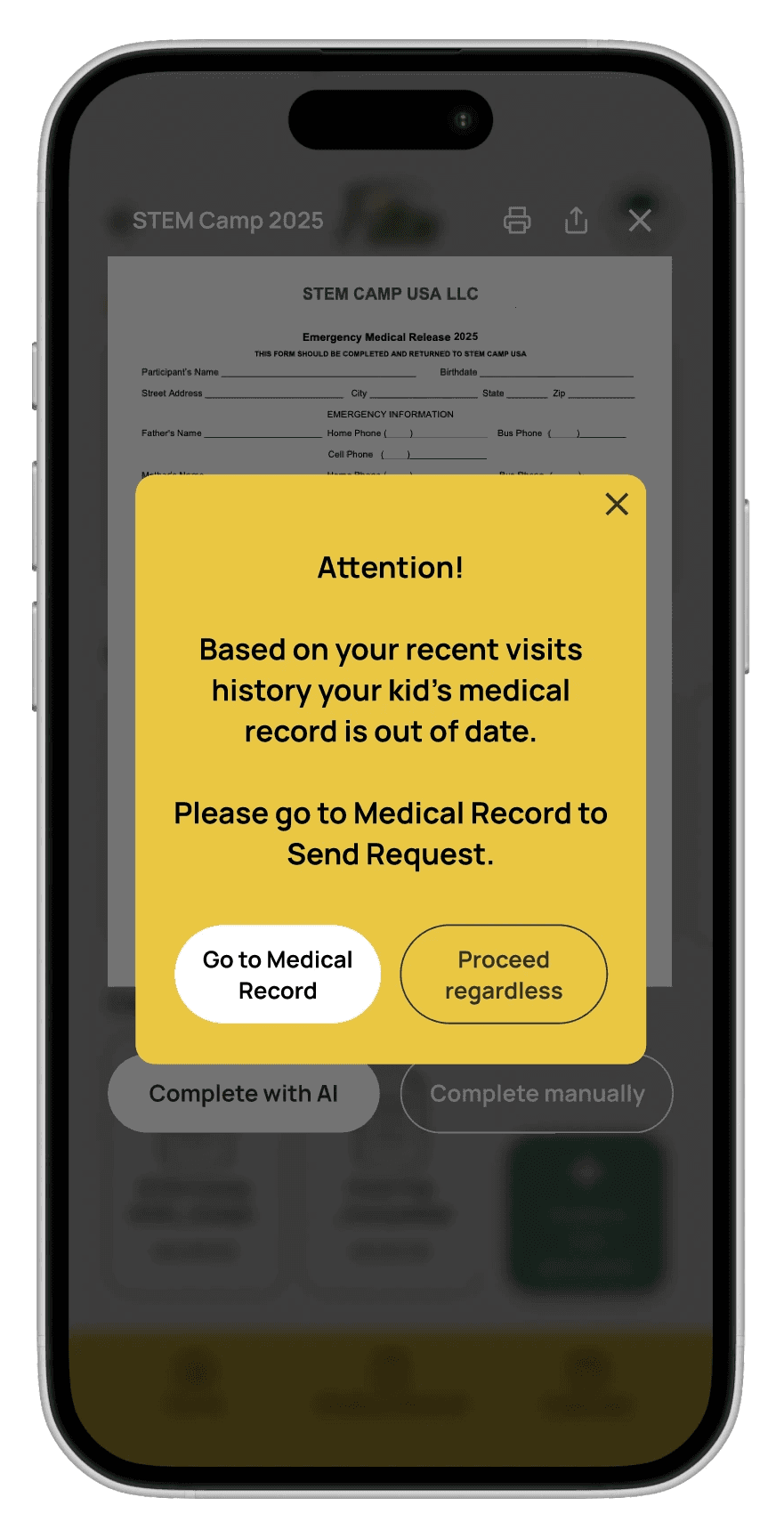
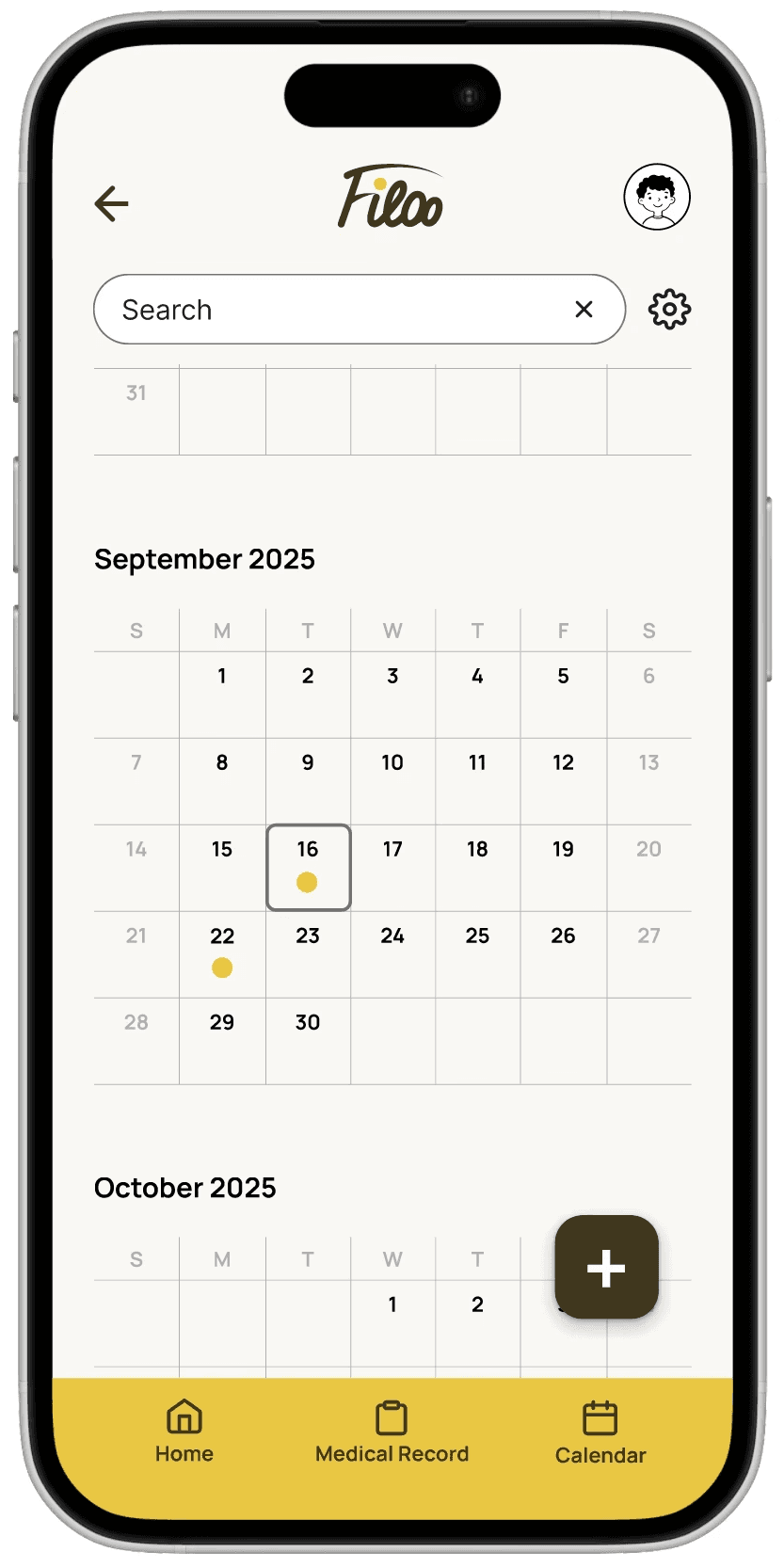
Better experience with calendar.
Added Search bar to Calendar for convenience.
TRADE-OFFS
Prioritized AI Form-Fill Over
Notifications/Reminders
Reminders were a validated user need, but every competitor already solved that adequately. I prioritized the AI form-fill flow because it was the only feature that represented a genuine market gap — building the reminder system first would have made Filoo a marginally better calendar, not a new category.
Prioritized Playful Aesthetics
Over Accessibility-First Design
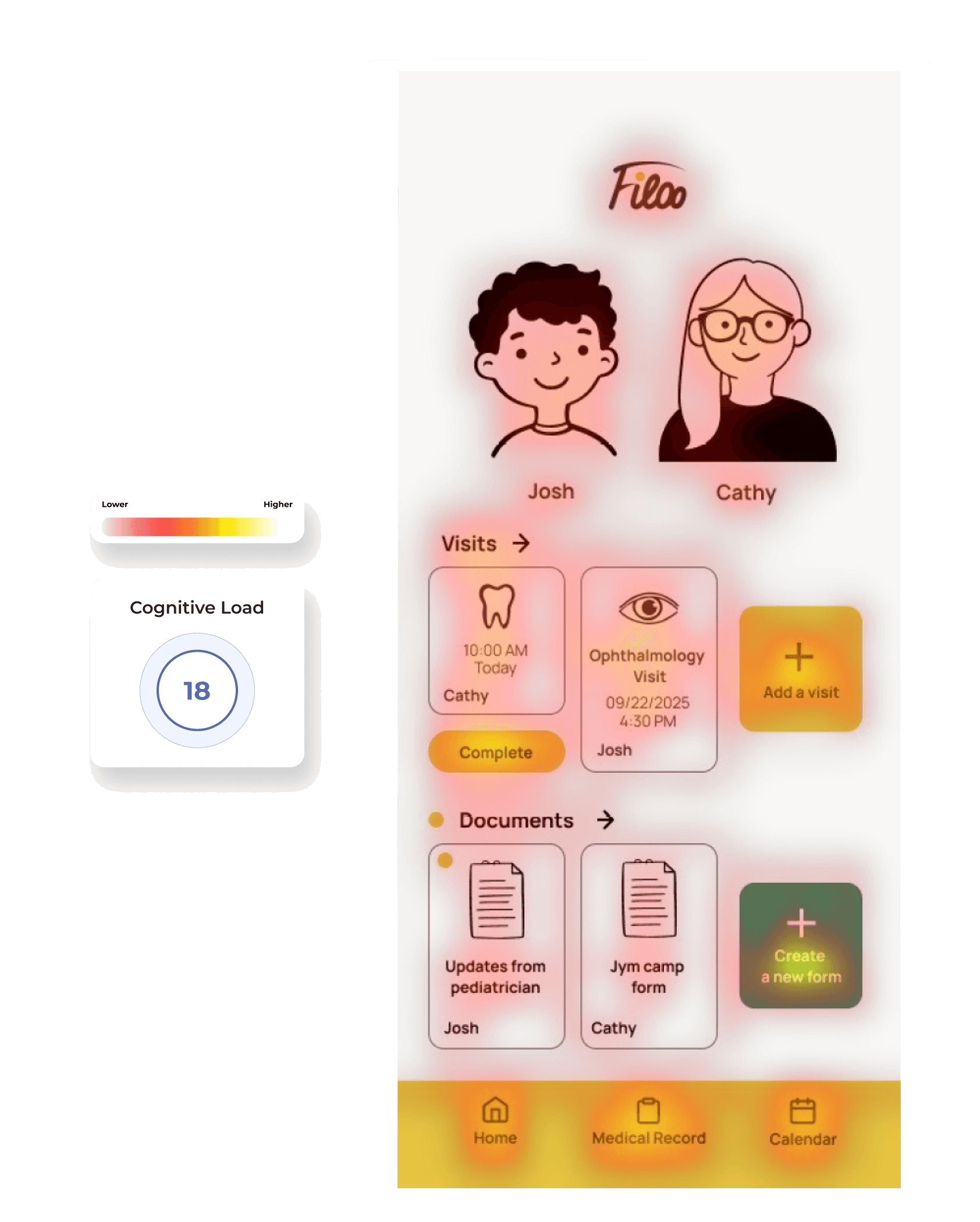
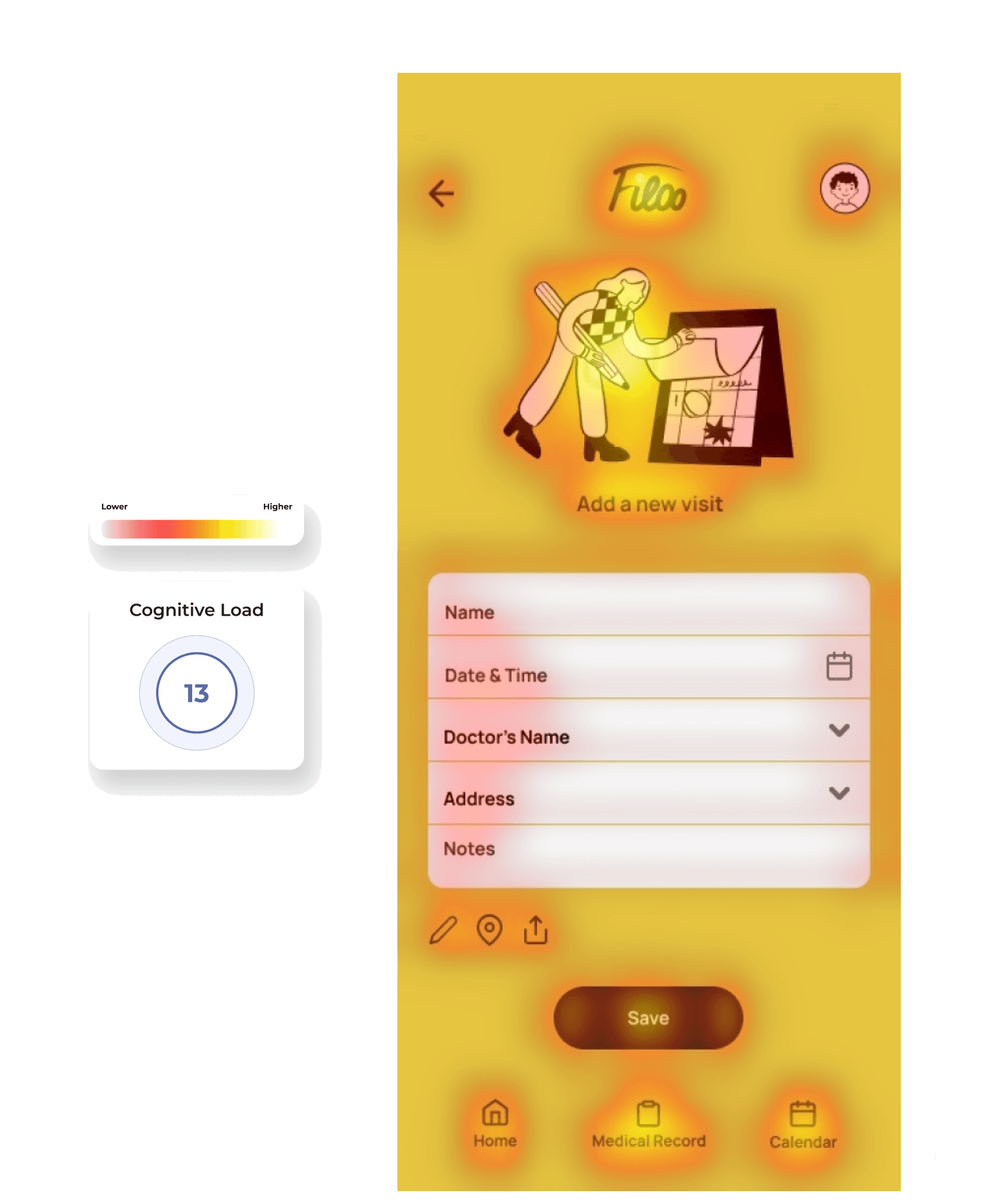
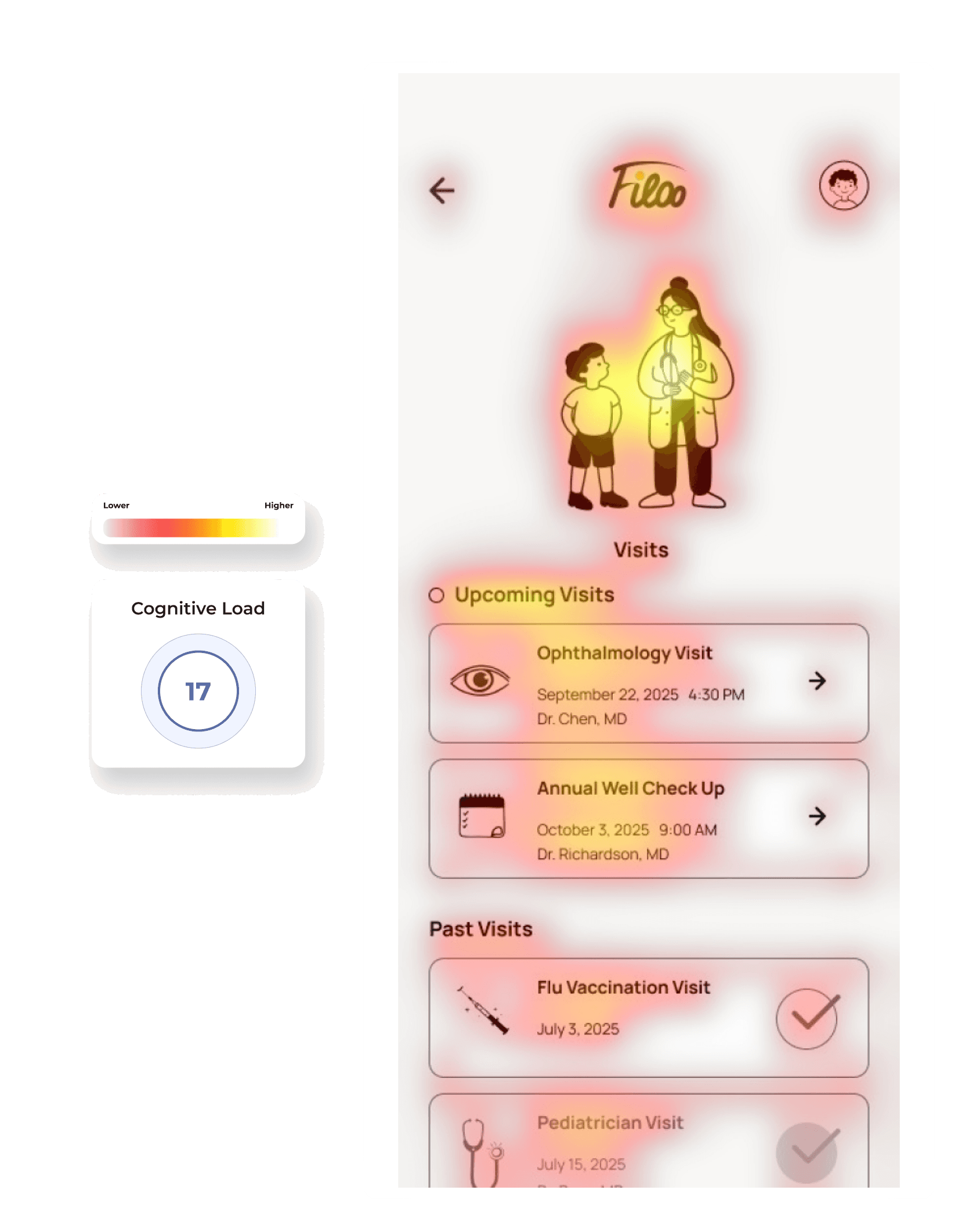
Competitors' clinical aesthetics were contributing to the very stress parents reported. I chose warmth and playfulness as a deliberate counterpoint — but that came at a cost. Cognitive load testing showed results within normal range, but WCAG contrast compliance — particularly yellow on white — is a separate accessibility standard I'd address before any real launch.
Multi-Language Support
— Why Later?
Multi-language support was deliberately deferred — not overlooked. AI-generated medical content in languages I couldn't validate risked being worse than no help at all. Getting the core AI behavior right in one language first was the safer product decision, with localization as a clear next milestone.
TAKEAWAYS
Impact
Before designing, 22 parents confirmed the problem was real — 77% found existing form processes stressful or repetitive.
Moderated usability testing surfaced 2 critical navigation failures, both resolved before final prototype.
Competitive analysis across 6 tools revealed no product had solved AI-assisted form completion for pediatric care, validating Filoo's core bet.
The final prototype didn't ship — but it proved the concept was sound, the problem was validated, and the AI form-fill flow was navigable by real users without instruction.
Constraints
3-month academic timeline — forced prioritization of core AI flow over edge cases.
No budget for monetized user testing — limited sample to 22 survey responses and 2 participants in moderated usability study.
No access to real medical records — constrained how deeply I could prototype the AI-fill behavior.
What I Learned
I learned that designing for AI behavior you can't fully prototype requires a different skill — you're designing trust, not just interface. Every loading state and confirmation dialog was an answer to the question: does this feel safe enough for a parent to use with their child's health data?
I learned that usability testing is not about implementing every piece of feedback, but about identifying patterns and prioritizing the insights that create the most impact.
This process taught me how to use competitive analysis to identify gaps and translate them into new design opportunities.
What I'd do
differently
I'd start with 3–4 qualitative interviews before building the survey. The survey confirmed that forms are stressful — but it didn't tell me enough about the specific moment parents abandon them or what workarounds they already use. That would have sharpened the AI flow design significantly.
Next Steps
Expand the AI document completion feature beyond children’s activities to support adults and a broader range of document types.
Scale the product by adding support for more languages.
Further explore accessibility best practices and incorporate more inclusive features into the application.
See prototype
c
2026
Hanna Smolich